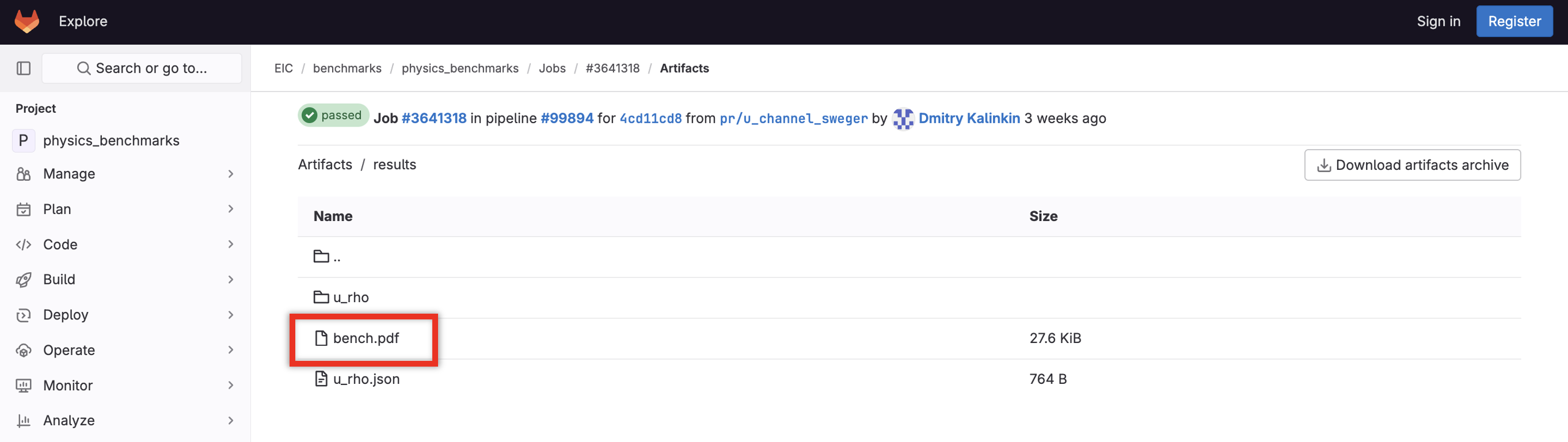
All Images
Exercise 1: Analysis Scripts and Snakemake
Figure 1
You should see something like this: 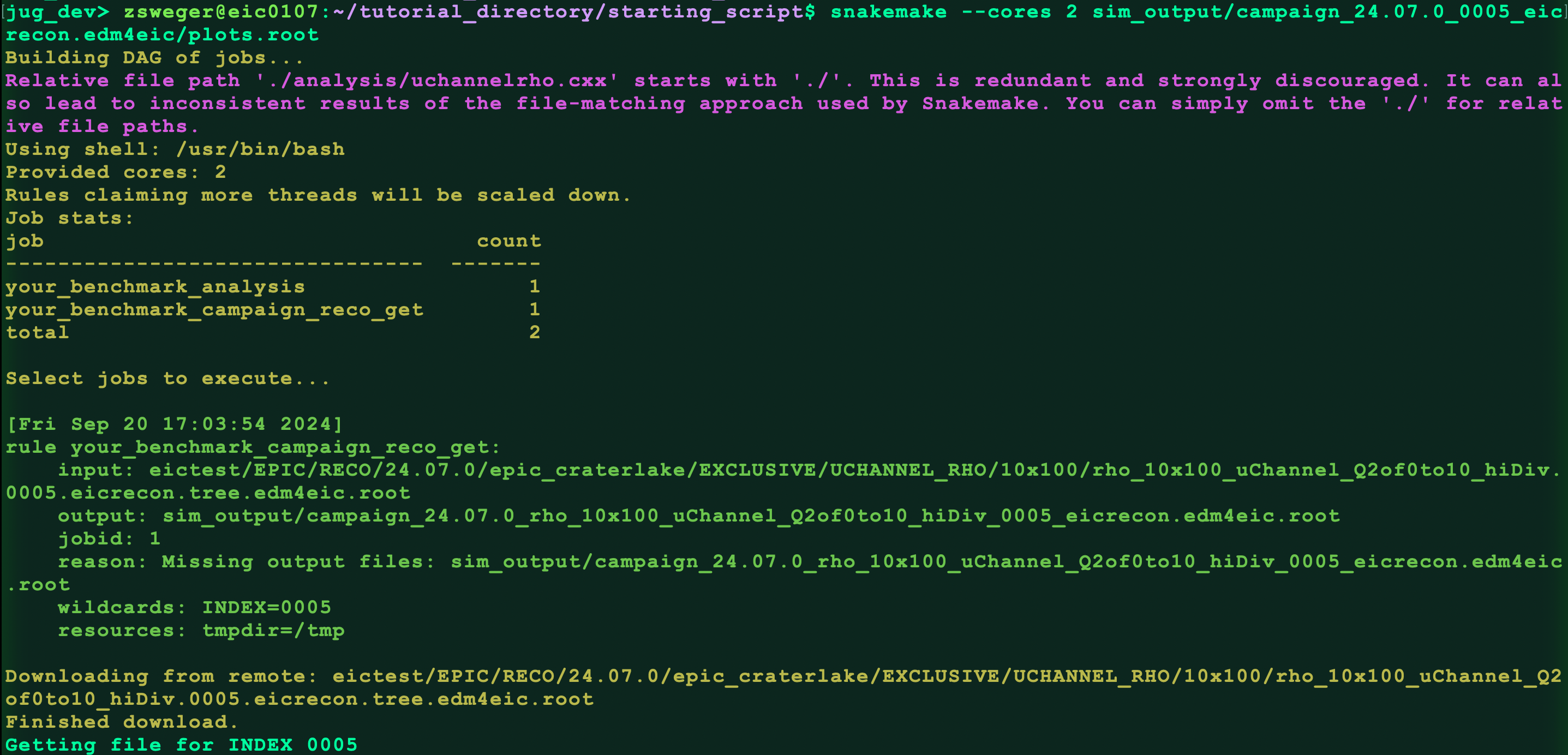 Check for the output file:
Figure 2
It will spend some time downloading files and running the analysis
code. Then it should hadd the files: 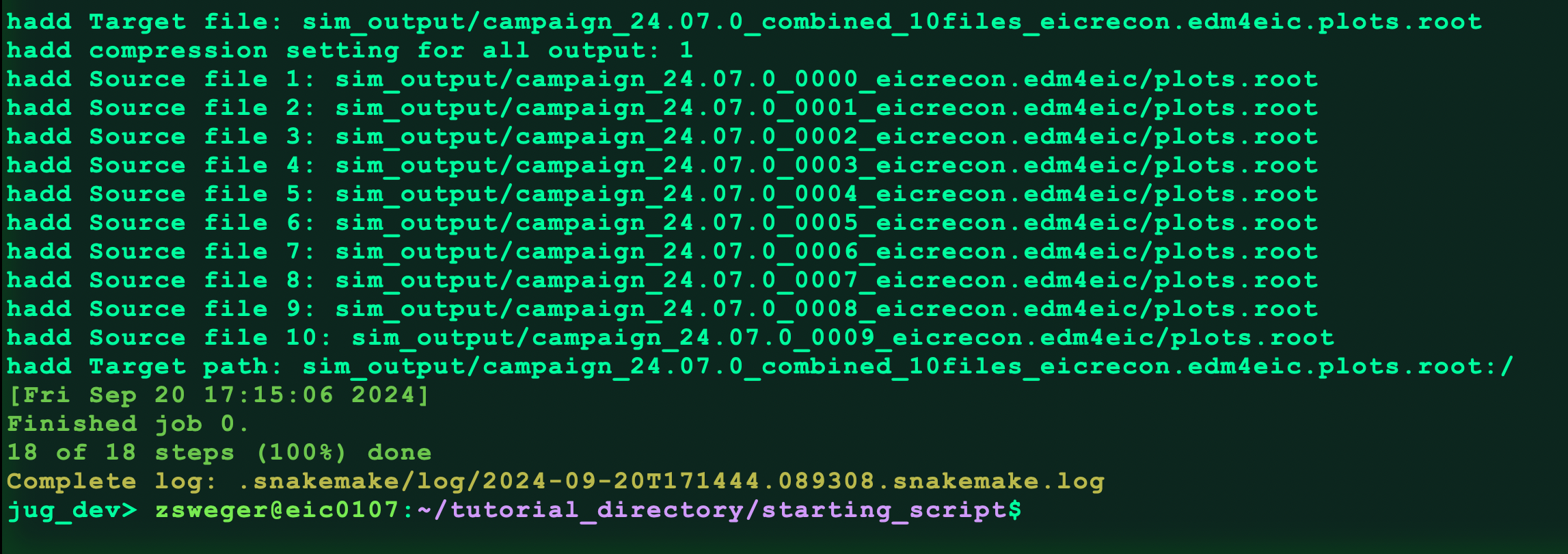
Exercise 2: Setting up your first benchmark with pipelines
Figure 1
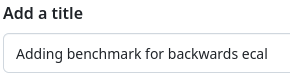 Provide a
title like “Adding benchmark for …”.
Provide a
title like “Adding benchmark for …”.Figure 2
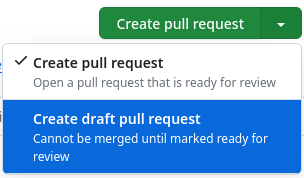 Since this work is not yet complete,
open dropdown menu of the “Create pull requst” button and select “Create
draft pull request”
Since this work is not yet complete,
open dropdown menu of the “Create pull requst” button and select “Create
draft pull request”Figure 3
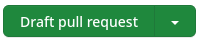 Click “Draft pull request”
Figure 4
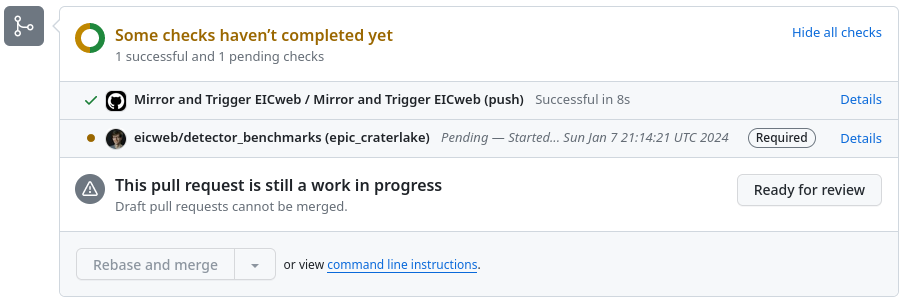
Check running on GitHub
Figure 5
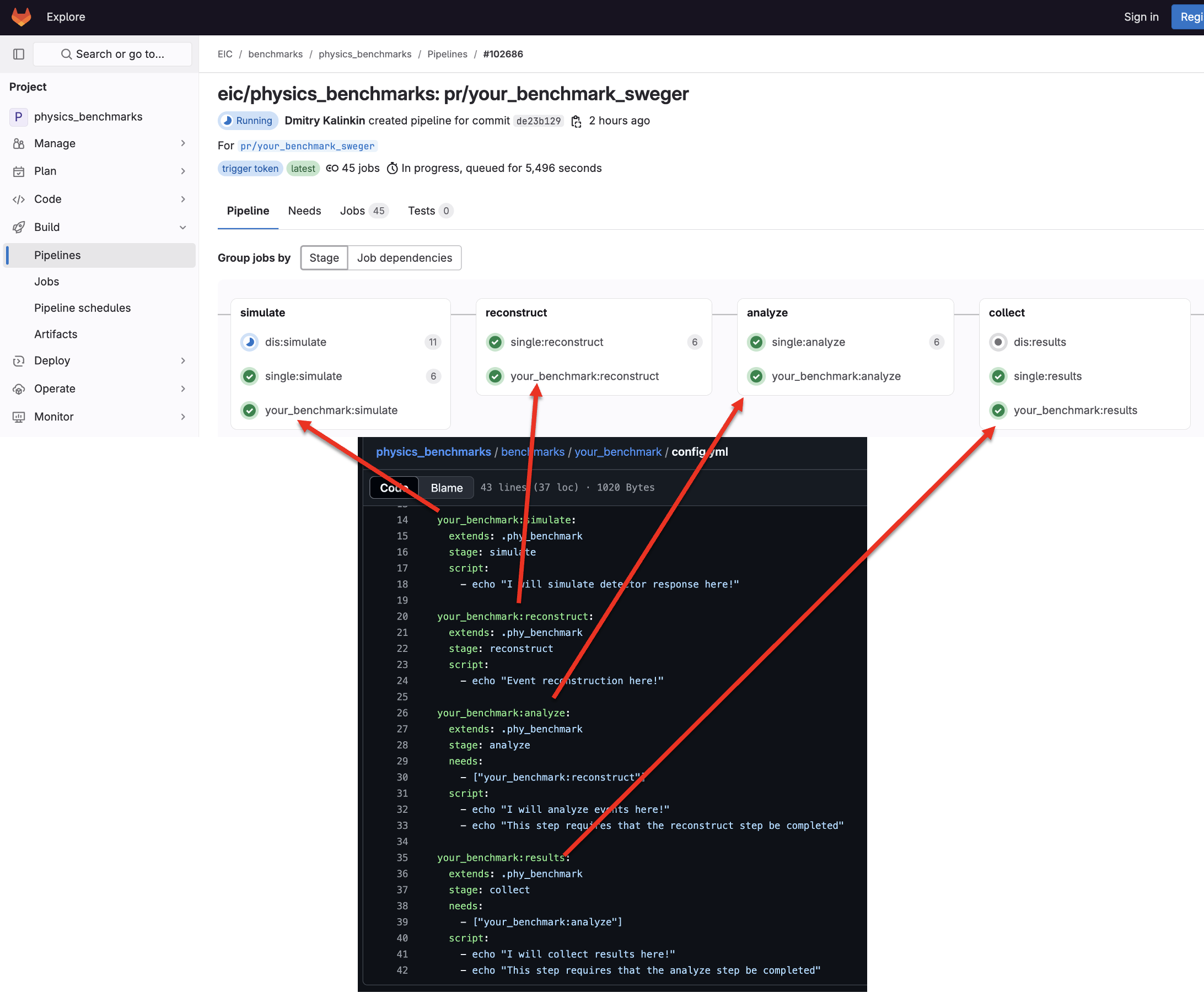
Check running on eicweb
Figure 6
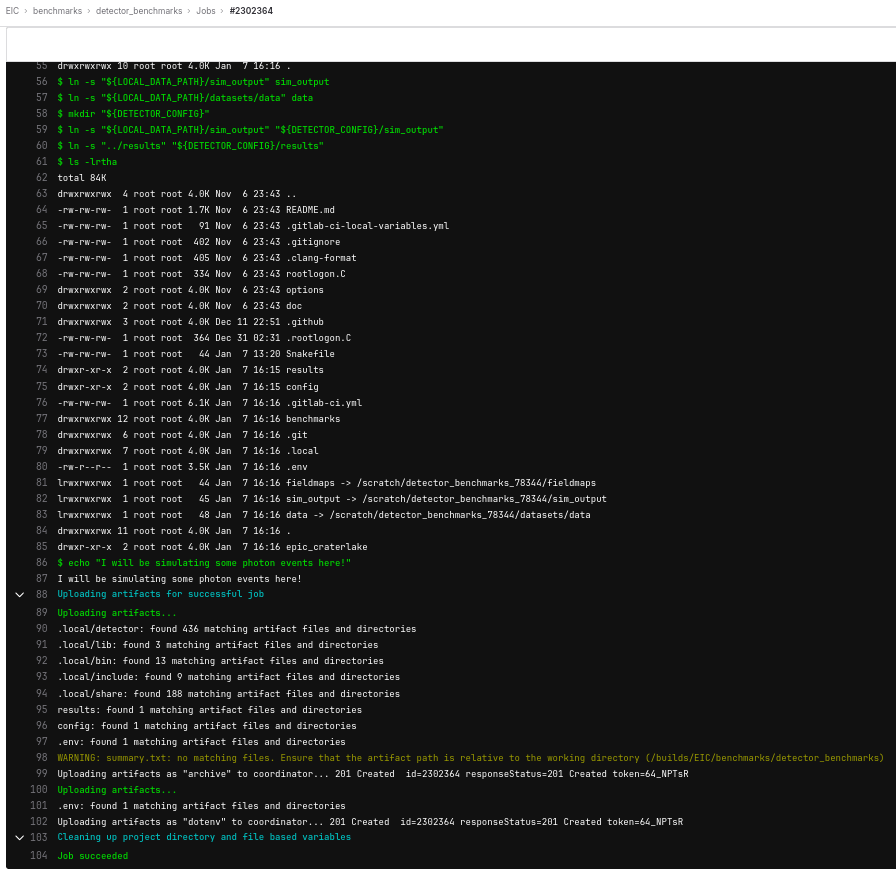
Job output on eicweb
Exercise 3: Filling out your benchmark
Figure 1
Your benchmark directory should now look like this: 
Figure 2
This command should show something like this: 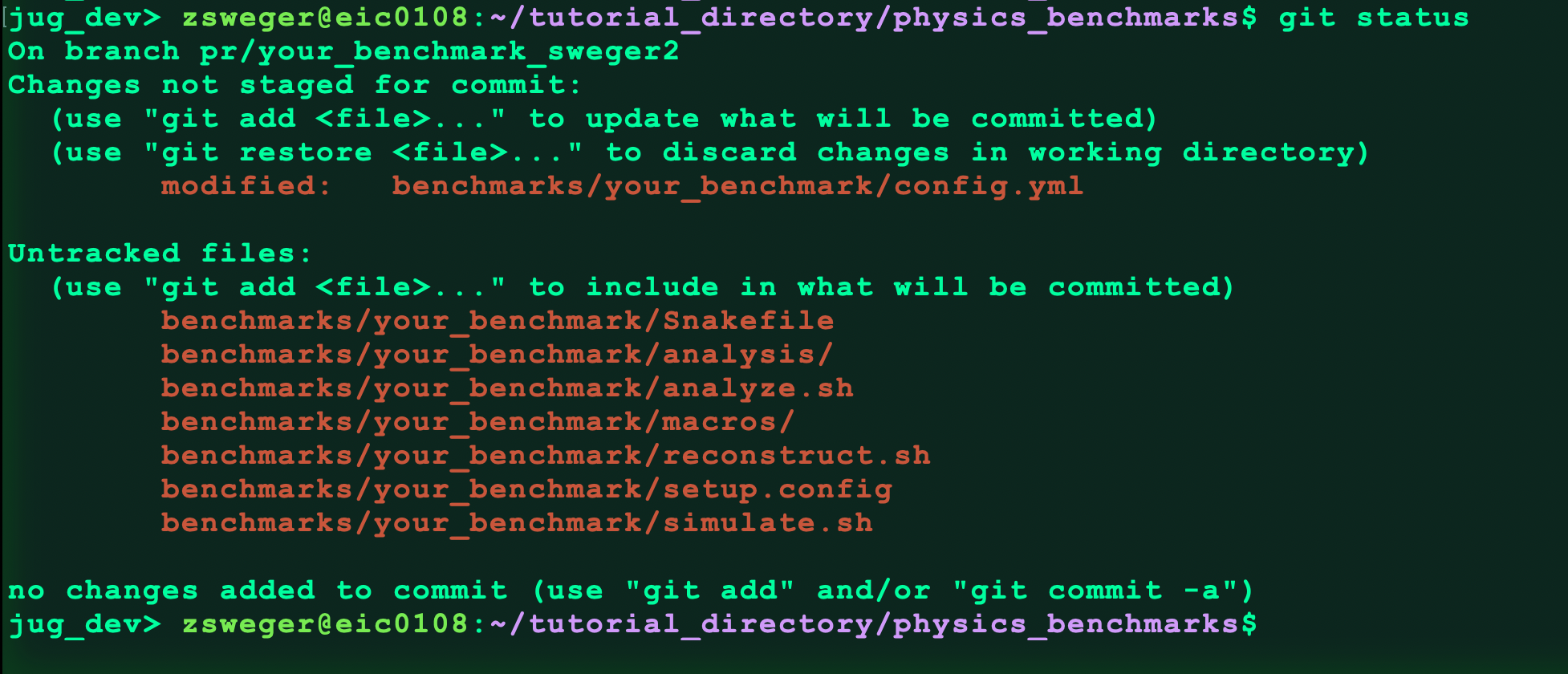
Exercise 4: Adding a Status Flag
Figure 1
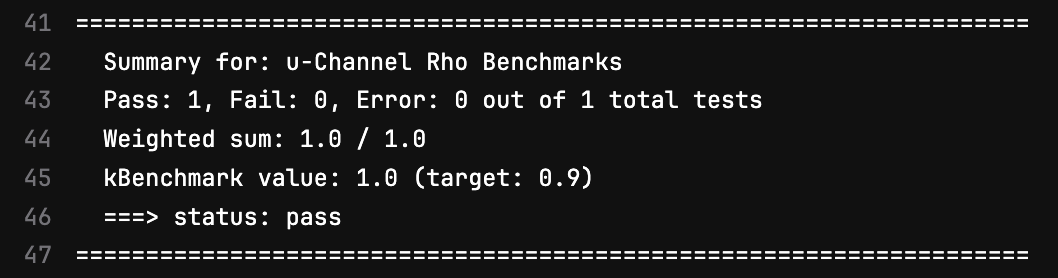
At the completion of one of GitLab’s pipelines, the status flags from
each benchmark are gathered and summarized like this one:
Exercise 5: Making Useful Figures
Figure 1
Figure 2
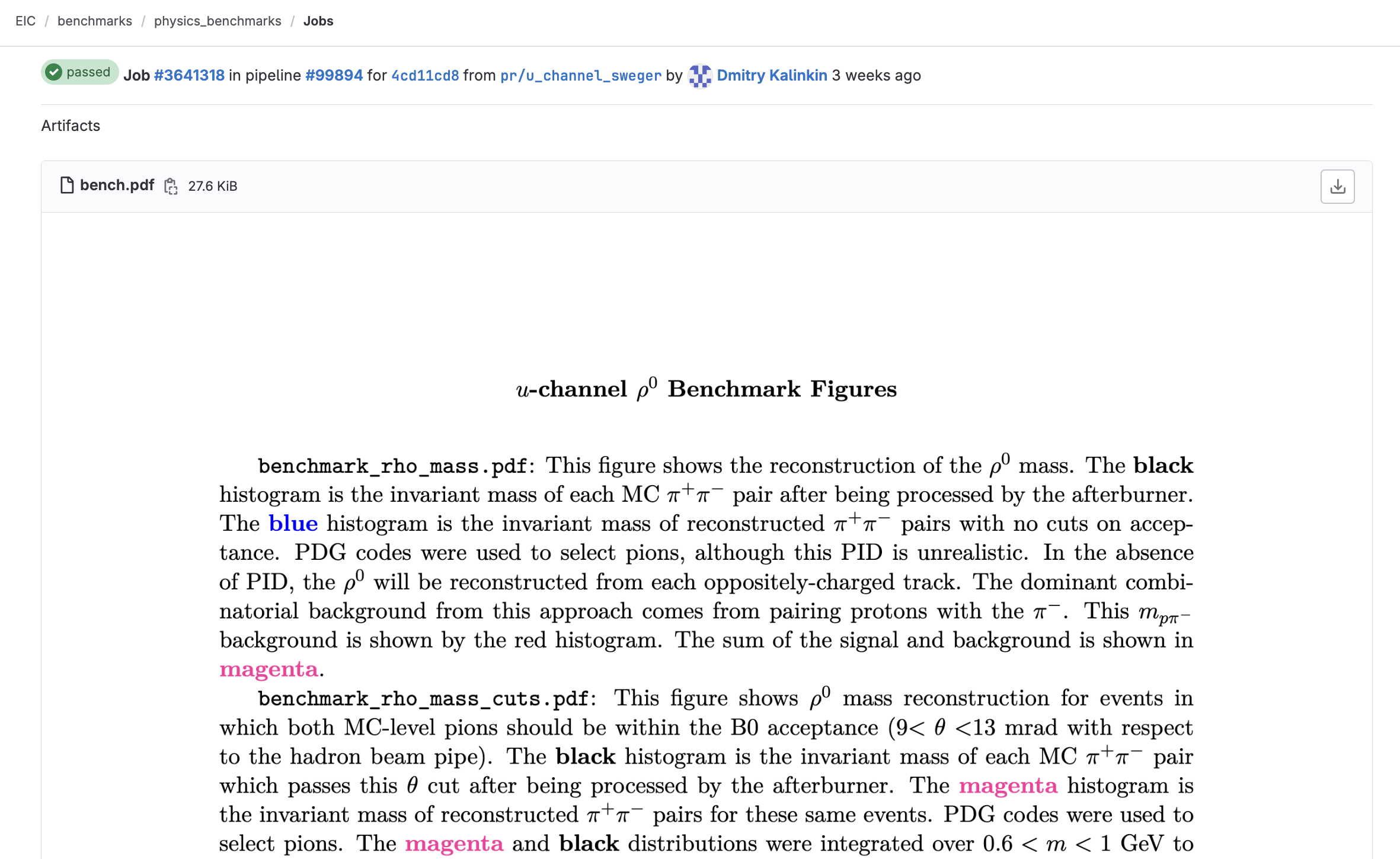
Figure 3